Links, lifecycle rules and click analytics
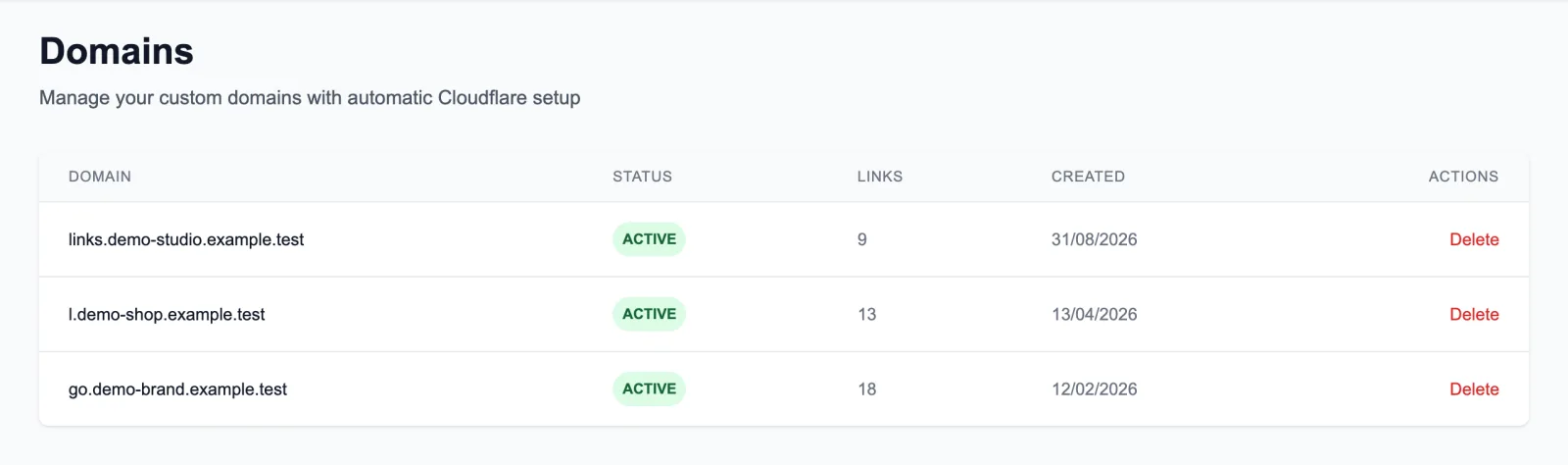
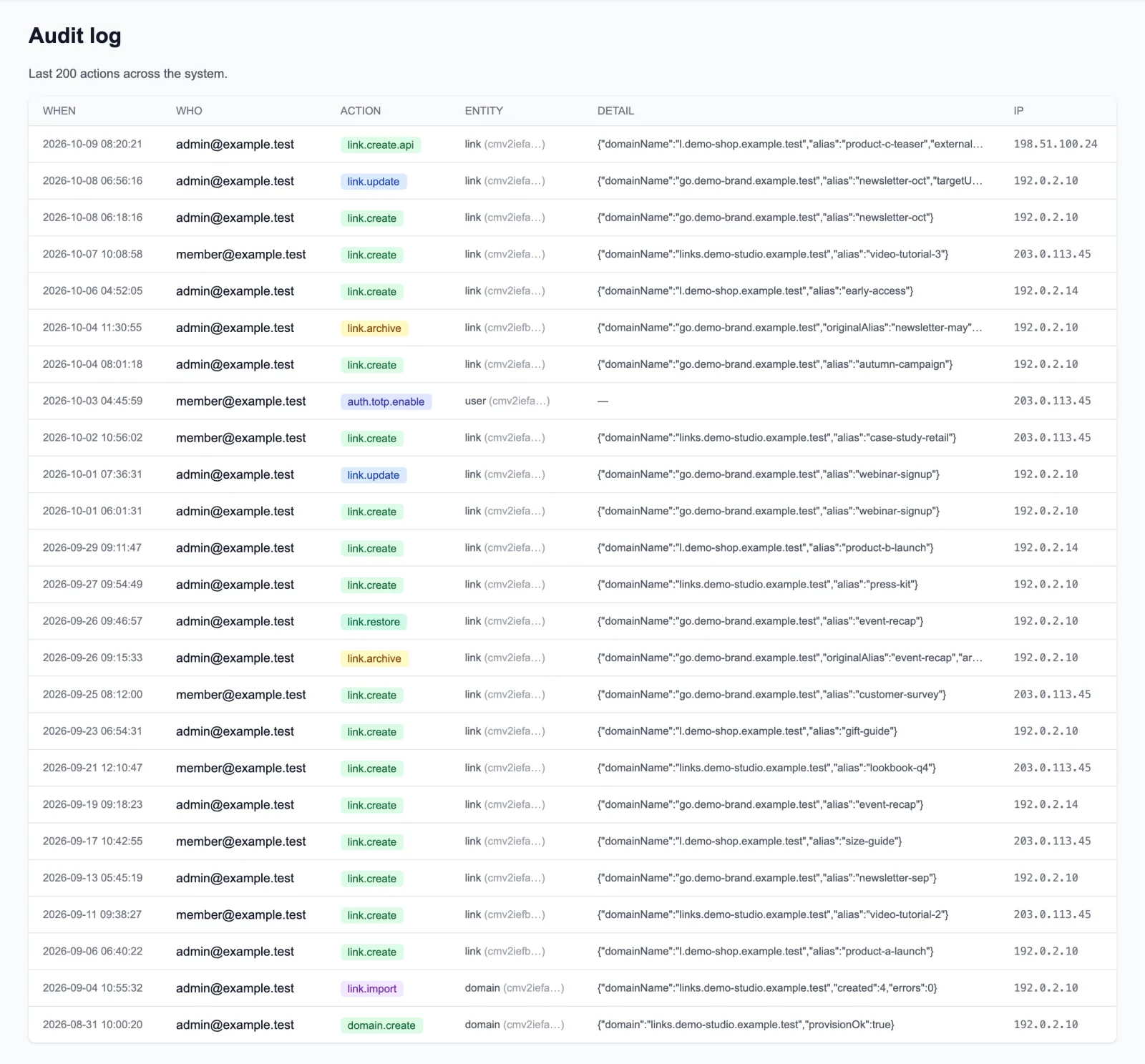
Each link has an alias on one of the domains, a destination and an owner. Links can be edited, archived, restored or deleted for good; archiving frees the alias for reuse.
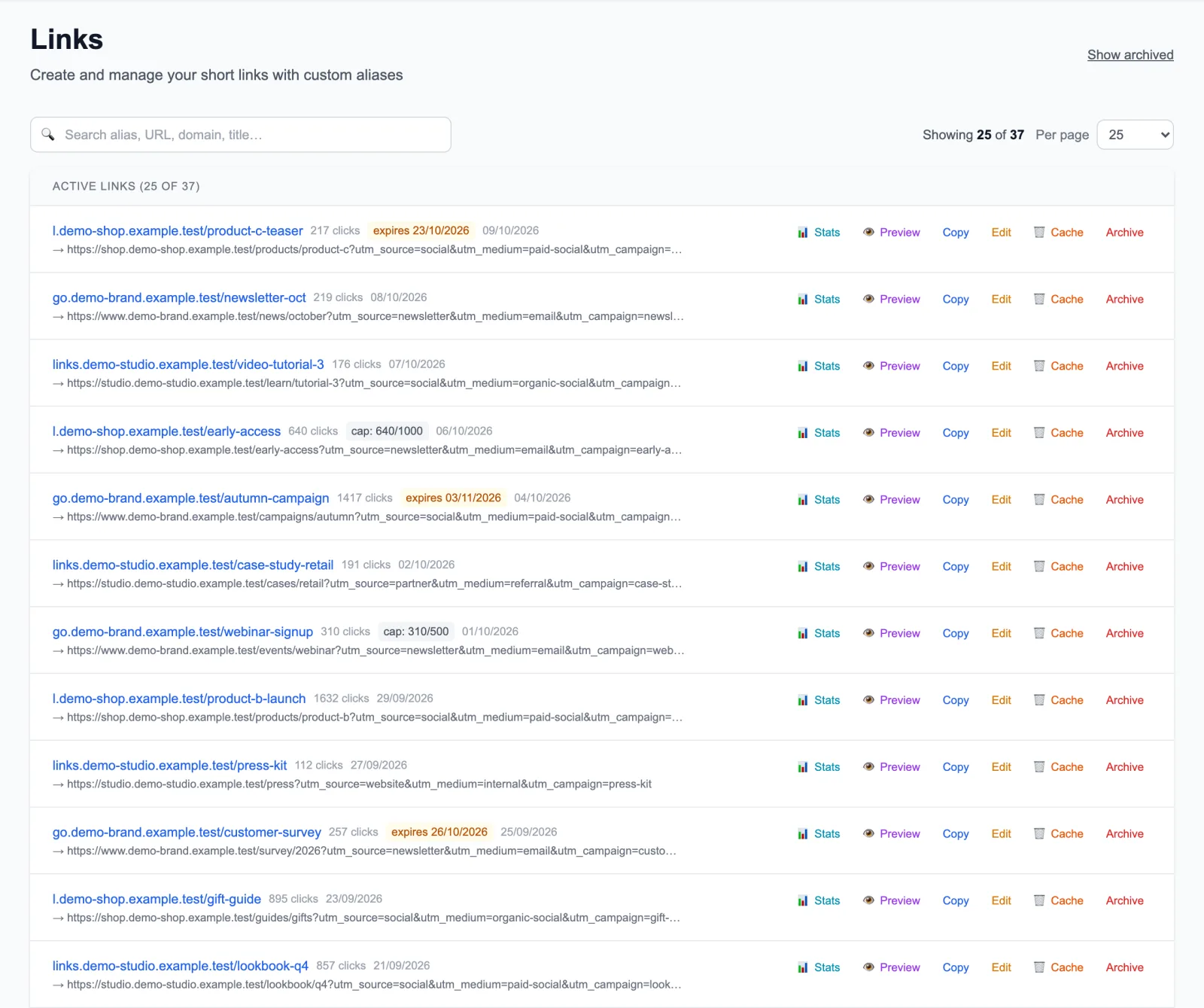
- A link can expire on a date or after a set number of clicks. After that it answers 410 instead of redirecting.
- Campaign parameters on the short link, such as UTM tags or click IDs, are passed on to the destination; a parameter on the short link replaces one with the same name in the destination.
- Bulk import from CSV with a preview and an error for each invalid row; duplicates are skipped.
- Search, a page size selector and a separate view of archived links.
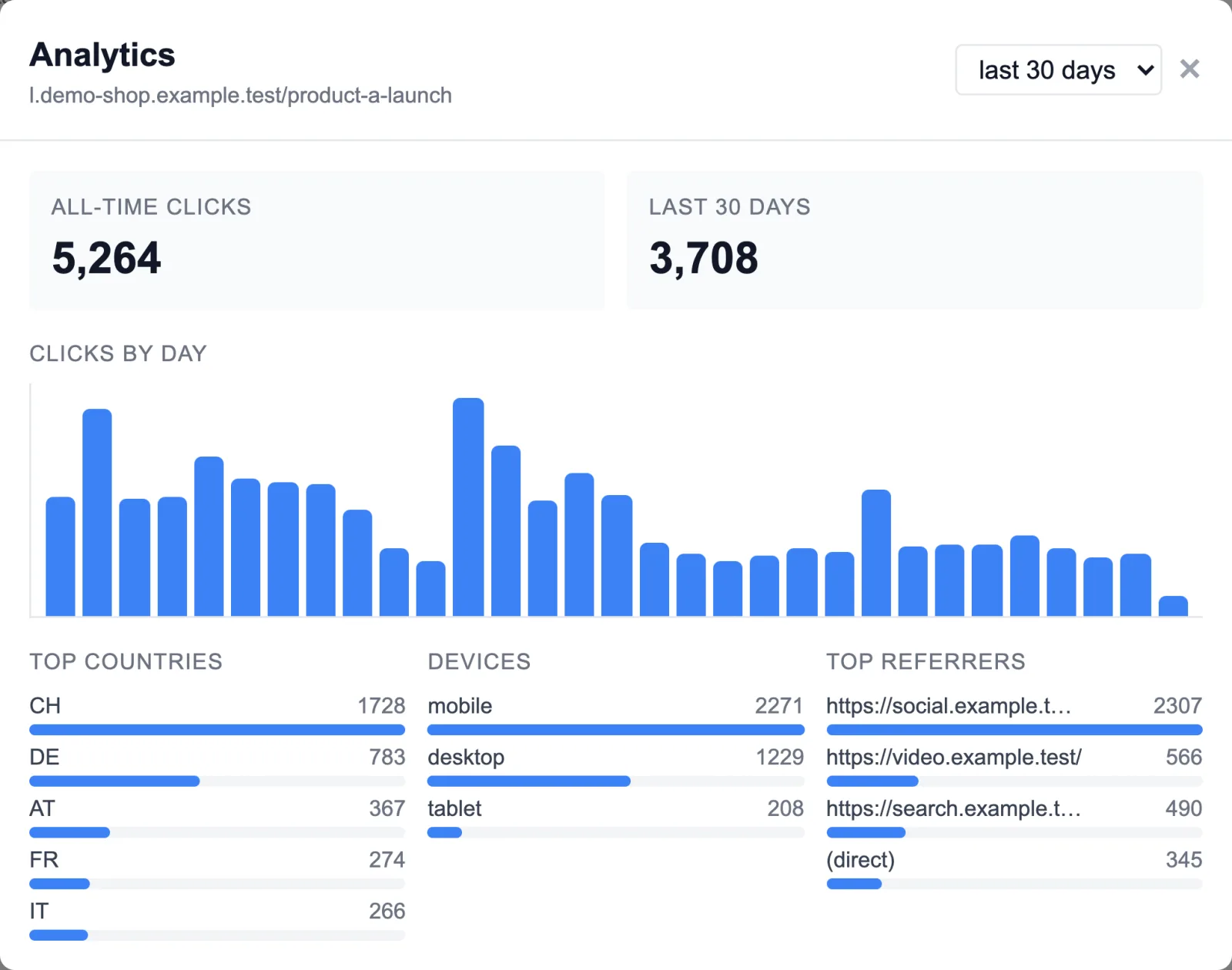
- For each link: clicks by day, top countries, device type and referrer, all-time against a 7, 30 or 90-day window.
- Clicks are stored without the visitor's IP address, and referrers are cut to 200 characters.
- Clicks are written in batches, every 5 seconds or every 500 events, so recording a click does not hold up the redirect.
- Redirects answered from a cache never reach the app, so cached clicks are not counted. This is a deliberate trade for speed: the numbers are a lower bound.